
How do I set screen time limits?
Pick the stopping point before the screen turns on, and make it simple enough to repeat every day. You might say, “You can watch one episode,” or, “You can play until the kitchen timer rings.” Avoid adding extra conditions once the activity has started. A clear ending is easier for a child to accept than a limit that changes depending on mood, bargaining, or how busy the evening feels.
For younger children, tie the limit to something they can see or understand, such as one show, one game round, or a timer. For older kids, agree on a clock time or a set number of minutes. Tell them what comes next too, such as bath, pajamas, snack, or choosing a bedtime book. Knowing the next step makes the transition feel less like a sudden stop.
What should I say before screen time ends?
Give a short warning before the end, then keep your words calm and predictable. Try, “Five more minutes, then screens are done,” followed by, “One more minute.” When the time is up, use the same simple phrase each time, such as, “Screen time is finished now.” Long explanations often invite a new round of arguing when everyone is already tired.
If your child asks for more time, you do not need to debate the rule. Acknowledge the wish, then repeat the plan: “I know you want another episode. We are done for tonight.” Keep your tone warm and steady. The goal is not to make your child happy about stopping. The goal is to make the ending clear, familiar, and boring to argue with.
How can I make stopping easier?
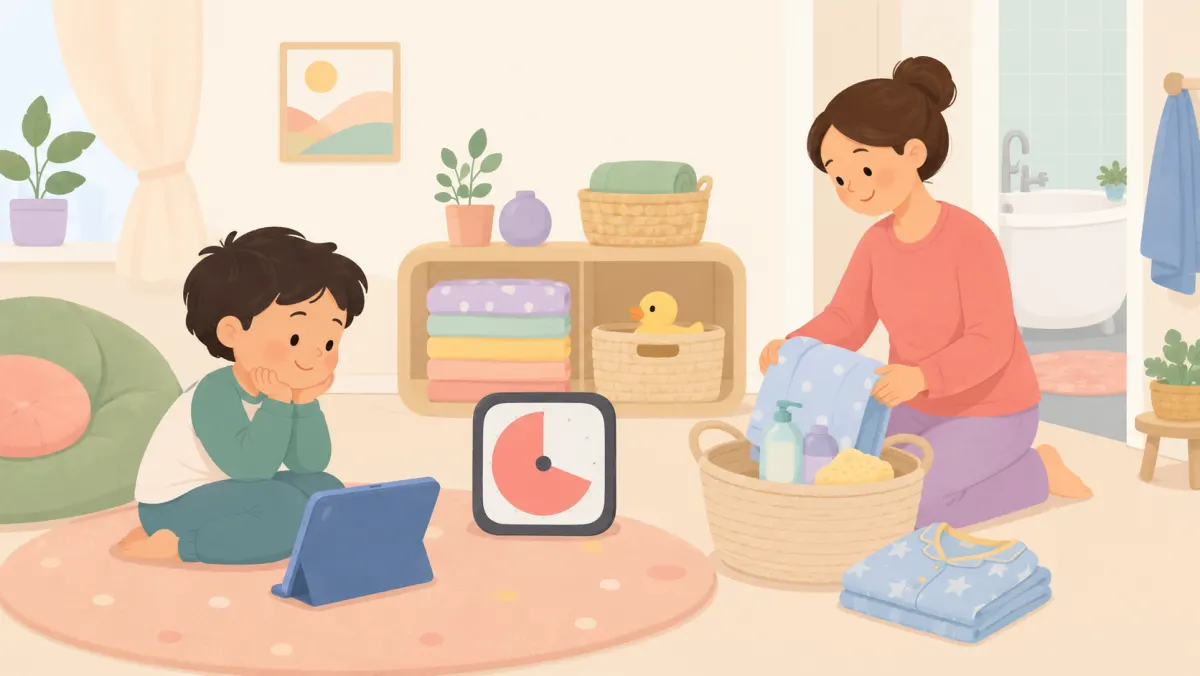
Have the next activity ready before you announce that screen time is over. A specific option works better than a vague command to “go play.” You could offer a favorite snack, a bath with toys, building blocks on the floor, coloring at the table, or choosing a story. The activity does not need to be exciting. It just needs to give your child somewhere obvious to go next.
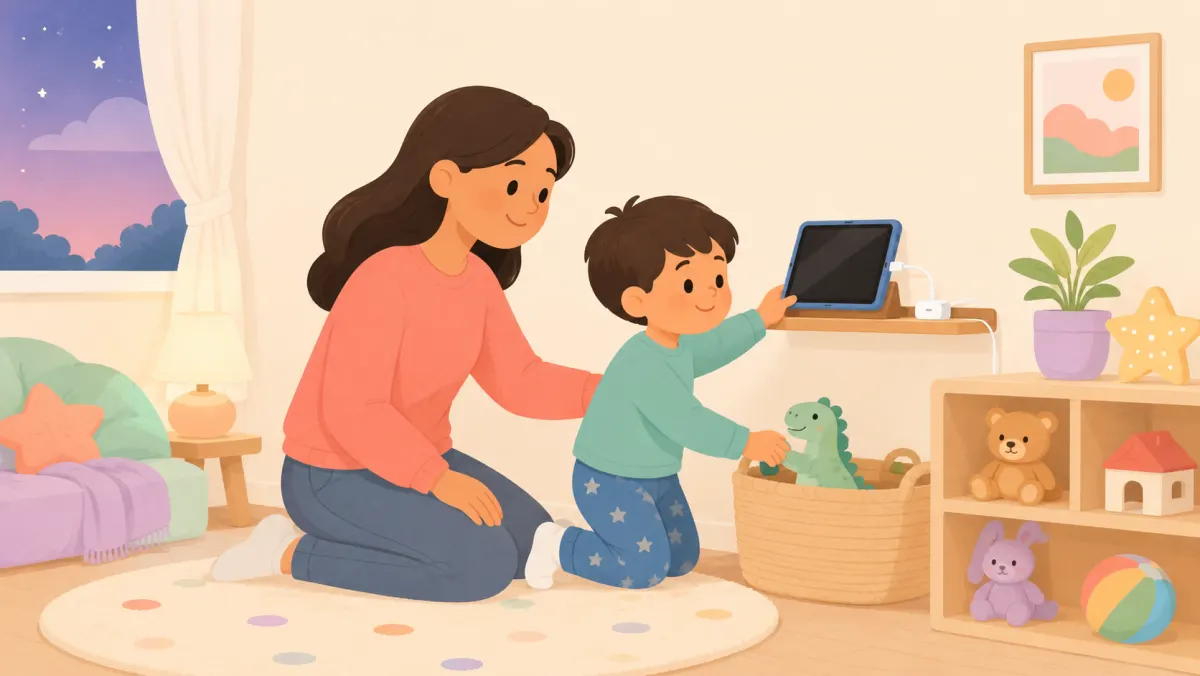
Let your child have a small job in the transition. They might press the power button, carry the tablet to its charging spot, turn off the TV, or choose which book comes next. That tiny bit of control can make the switch feel less abrupt. Keep the device out of sight afterward, especially if seeing it tends to restart requests five minutes later.

What if my child still melts down?
Stay close, keep the limit in place, and use fewer words. You can say, “You are upset because screen time ended. I am here.” Then avoid reopening the decision. A child can be disappointed and still follow the limit. If you start negotiating during the upset, they may learn that a bigger protest creates a better chance of getting more time.
Focus on getting through the moment, not teaching a lesson in the middle of it. Lower the noise, move on with the routine, and offer simple choices that do not change the limit. “Do you want the blue pajamas or the green ones?” works better than another speech about why screens are over. Save any bigger conversation for a calm time the next day.
How do I keep the rule consistent?
Choose a rule that you can actually keep on ordinary nights. If a limit only works when dinner is early and everyone is cheerful, it will be hard to repeat. Build the screen window around your real routine, then leave a little space before bed, homework, or getting out the door. Consistency is easier when the rule fits the household instead of fighting it.
When you make an exception, name it as an exception. You might say, “Tonight is movie night, so we are watching longer than usual.” That helps keep the everyday rule clear. If yesterday went badly, do not make tonight’s limit harsher as punishment. Start fresh, use the same warning and stopping routine, and give the pattern time to become familiar.
Parents also ask
What if my child begs for just five more minutes?
Keep the answer short and kind. Say that you know they want more time, then repeat that screen time is finished. Avoid adding five minutes after a protest, because that can turn the limit into the start of a negotiation instead of the end.
Should I use a timer for screen time?
A timer can help because it makes the stopping point visible and predictable. Tell your child what the timer means before you start. When it rings, follow through calmly. For younger children, pairing the timer with one episode or one game round can make the limit even easier to understand.
What should we do right after screens turn off?
Move straight into a simple, familiar next step. Try snack, bath, pajamas, blocks, coloring, or choosing a bedtime story. Having something ready reduces the empty moment when a child is most likely to ask for the screen again. Keep the device out of sight once you are done.
Practical ideas from our team, not medical advice. For anything about your child's health, sleep, or development, please check with your pediatrician.
Turn today's idea into their own story
Make a 1-minute animated story where your child is the hero.
Start A Story