
When Do Kids Start Writing Code
Many children meet programming through visual blocks, simple robots, or game-like coding tools. At first, they may be arranging commands rather than typing every instruction. That still teaches the basic idea that a computer follows a sequence. As children become comfortable with that pattern, some start typing short commands themselves and see their own instructions produce a visible result.
There is no single right age for that step. A child who enjoys puzzles may want to try typed code early, while another may stay with blocks longer. What matters more is whether the task feels understandable and rewarding. A first program can be very small, such as moving a character, changing a color, playing a sound, or repeating an action on purpose.
What Counts as a Real Program
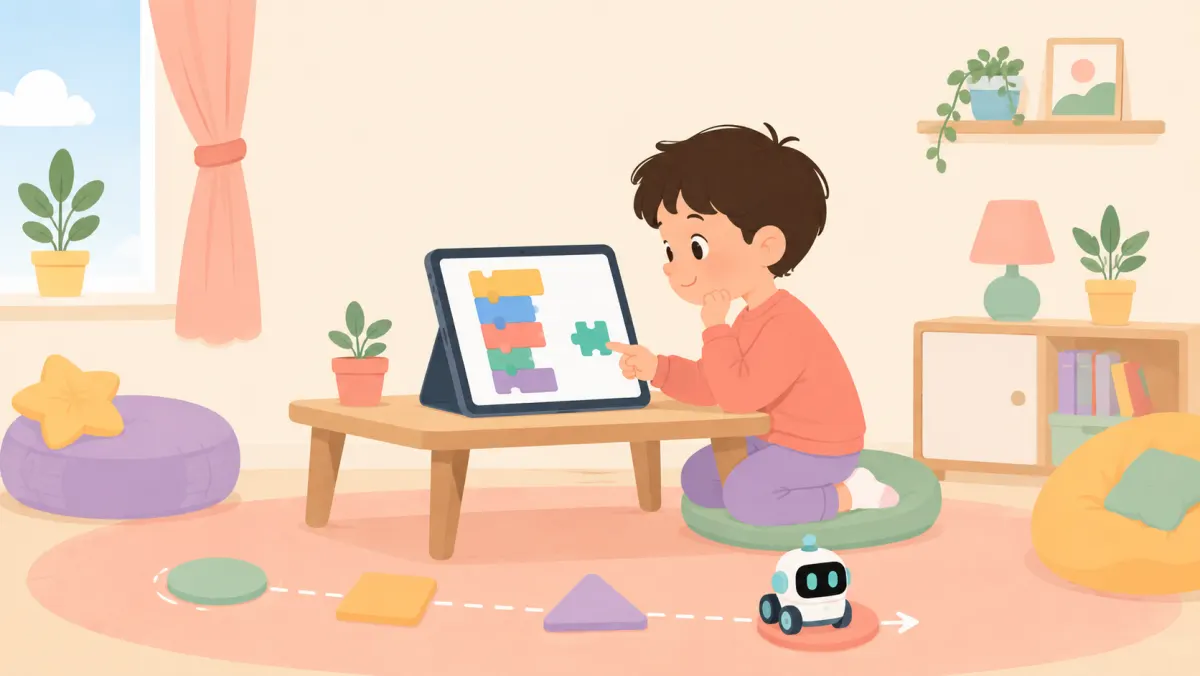
Parents sometimes imagine that a real program must be long, complicated, and typed in a professional language. For a child, a real program is simply a set of instructions that creates an intended result. It may use blocks or typed commands. If the child decides what should happen, puts the steps in order, runs them, and changes them when needed, they are programming.
That sense of authorship matters. Following a tutorial can help a child learn the tools, but changing one part makes the project feel personal. They might make a character jump higher, add a second movement, or create a simple rule for what happens next. Small choices turn a copied example into something the child understands well enough to shape.
Why First Coding Projects Feel Different
Coding gives children unusually quick feedback. They make a change, run the program, and see what happened. When the result matches the idea in their head, the connection is clear. When it does not, they have something specific to inspect. That short loop between choice and result can make learning feel active instead of distant, especially when the project produces movement, sound, or a simple game.
The finished project also gives children something concrete to show. A worksheet may be completed and put away, but a small program can be replayed, changed, and shared with family. That makes progress visible. Children can often remember not only what they made, but the moment a stubborn part finally worked after several small changes.
How Coding Teaches Problem Solving
Programming naturally breaks a larger idea into smaller steps. A child who wants a character to cross a screen has to think about direction, distance, order, and what should happen at the end. If the result is wrong, they can test one part at a time. This makes problem solving less abstract because each change has a result they can see.
Debugging is an important part of that process. A missing command or an instruction in the wrong place does not mean the whole project failed. It gives the child a clue. Looking for the cause, changing one thing, and trying again can make persistence feel practical. The goal is not to avoid mistakes, but to use them as information.
How Parents Can Keep Coding Fun
Parents do not need to know how to program to support a child who is learning. Asking simple questions can be enough. What do you want this to do? Which part is working? What could you change next? Those questions keep the child in charge of the thinking and make it easier to talk through a problem without taking over the keyboard.
It also helps to keep early projects small. A ten-minute success can be more inviting than an ambitious project that becomes frustrating. Let children choose themes they already like, such as animals, space, sports, music, or stories. When coding becomes a way to make something they care about, practice is more likely to feel like creating rather than completing another assignment.
Parents also ask
What age is good for kids learning to code?
Children can explore coding ideas at many ages, especially through simple visual tools and games. The best starting point is a project they can understand and control. If they can follow a short sequence, make choices, and enjoy seeing the result, they can begin learning programming concepts.
Does block coding count as real coding?
Yes. Block coding teaches core programming ideas such as sequence, loops, conditions, and events without requiring children to type syntax. It can be a useful bridge to typed programming because children first learn how instructions fit together, then later focus on spelling commands correctly.
How can I help if I do not know coding?
Stay curious instead of trying to provide every answer. Ask what the child wants the program to do, what happened instead, and what they might test next. Helping them describe the problem often supports better thinking than taking control and fixing the code for them.
Practical ideas from our team, not medical advice. For anything about your child's health, sleep, or development, please check with your pediatrician.
Turn today's idea into their own story
Make a 1-minute animated story where your child is the hero.
Start A Story